A conference lasts two days. The video has to work for the rest of the year: selling next year’s registrations, giving sponsors proof of a room worth paying for, and showing people who stayed home what they missed.
Most highlight videos fail for a simple reason. The crew arrived on the day, filmed what looked busy, and discovered in the edit that the important moments were never captured. Highlight video is a planning job that happens to involve cameras. This guide walks through what to capture before, during, and after the event, so the final cut has real material to work with. For the full service, see our event Video Production page.
Highlight video is a planning job that happens to involve cameras.
Before: Plan the Edit Before the Event Exists
Start with the finished video and work backward. Who is it for: next year’s attendees, sponsors, or your own leadership? A sponsor cut needs crowd size, branding in the room, and stage presence. An attendee cut needs energy, faces, and short quotes from people who got something out of the day. One shoot can serve both, but only if both cuts are planned before the doors open.
Build a capture list from the run of show:
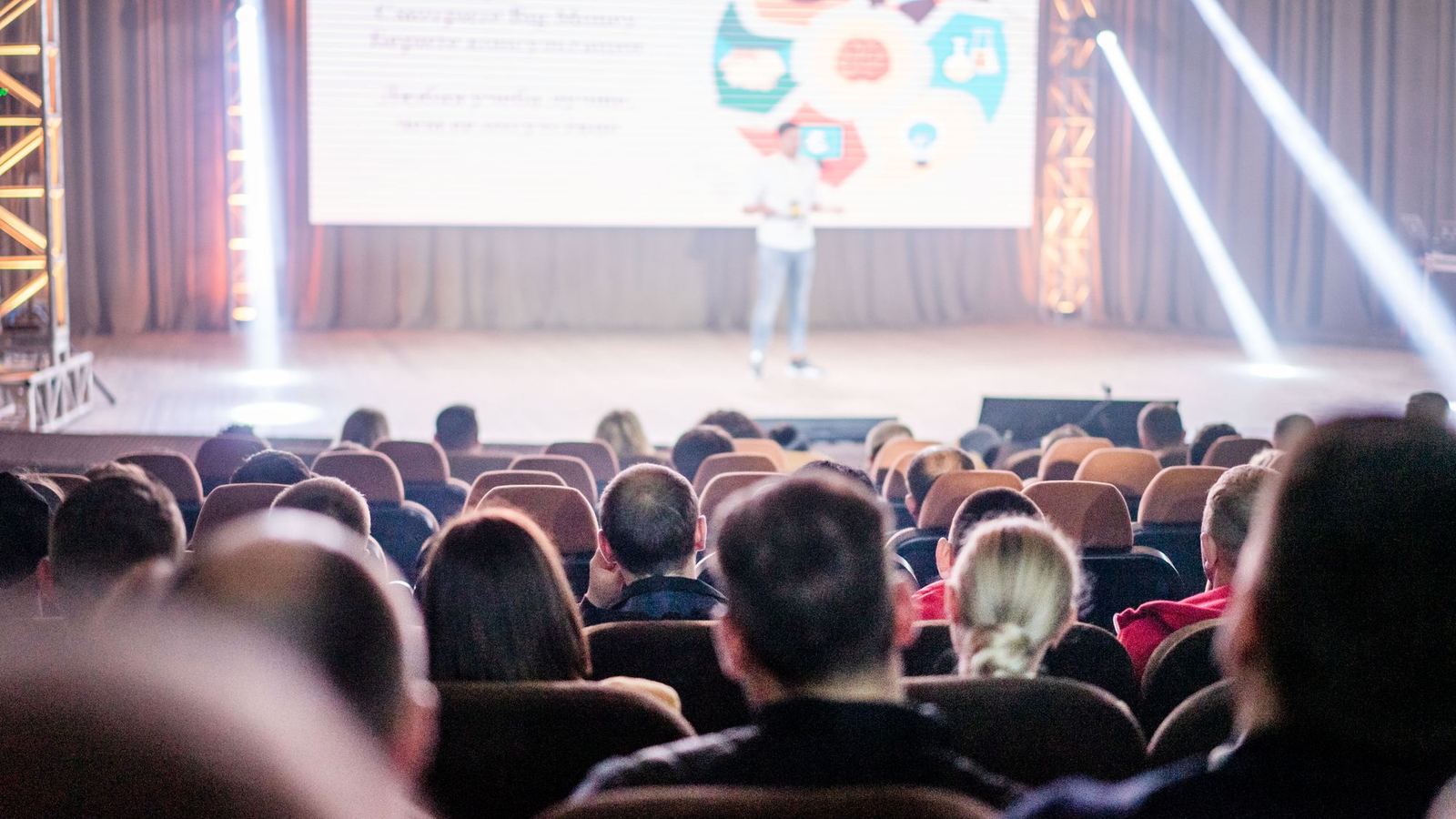
- The keynote and the two or three sessions your audience cares about most.
- The moments with real sound: applause, a panel exchange, a speaker line the room reacts to.
- Short interviews: three attendees, one sponsor, one organizer, recorded in a quiet corner.
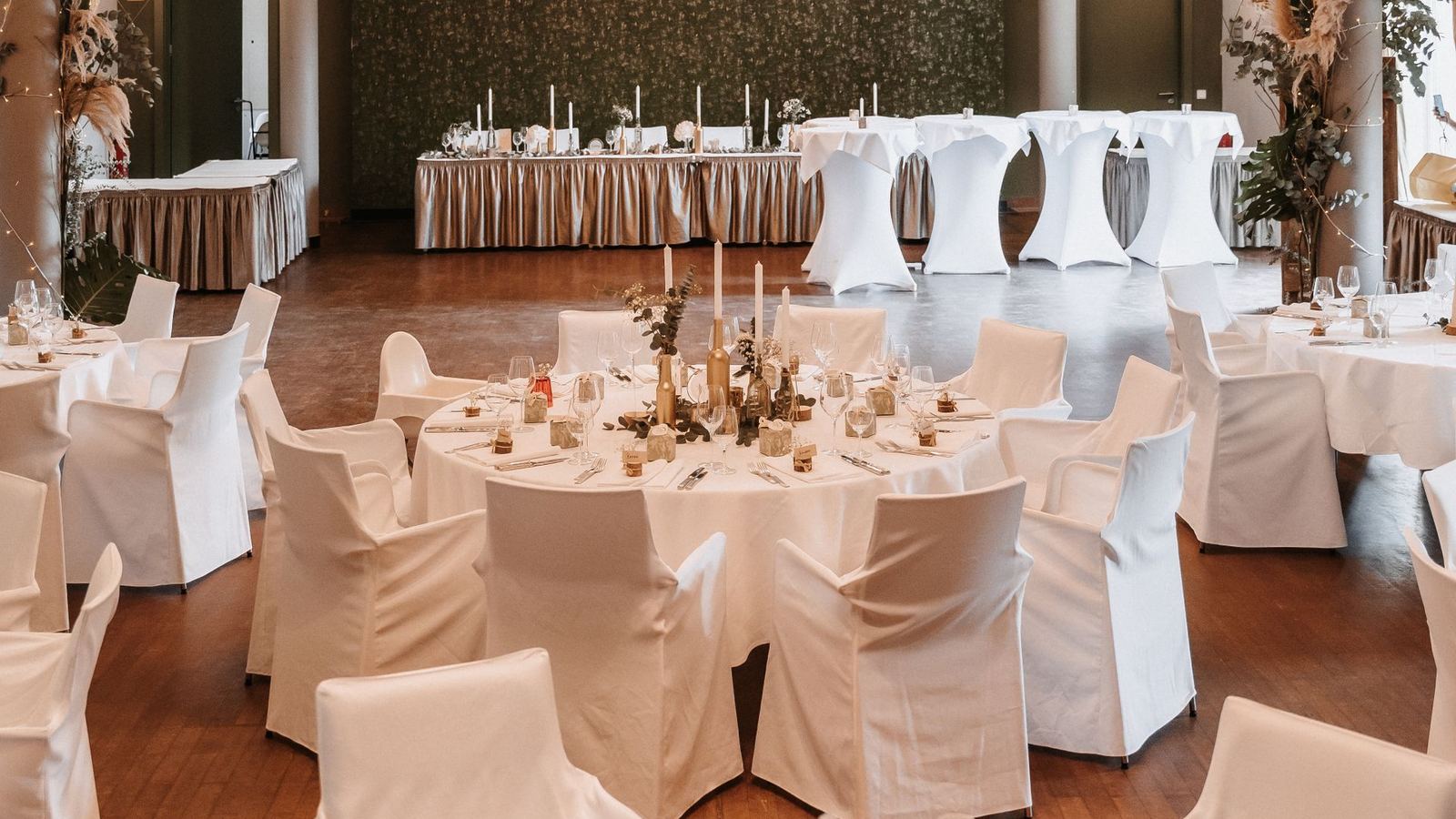
- The room itself: registration flow, the exhibit floor at its busiest, signage, the venue.
- People working, not just people posing: conversations, demonstrations, deals being discussed.
Agree the delivery plan at this stage too. A short recap ready while the event is still news is a different production from a polished film delivered weeks later, and the crew size and edit schedule differ. Our post on 24 hour Video Production explains what a fast edit actually requires. Get releases sorted in advance as well, through your registration terms and signage at the door, so no usable interview gets cut later over permission.
During: Capture Sound and Faces, Not Just Stages
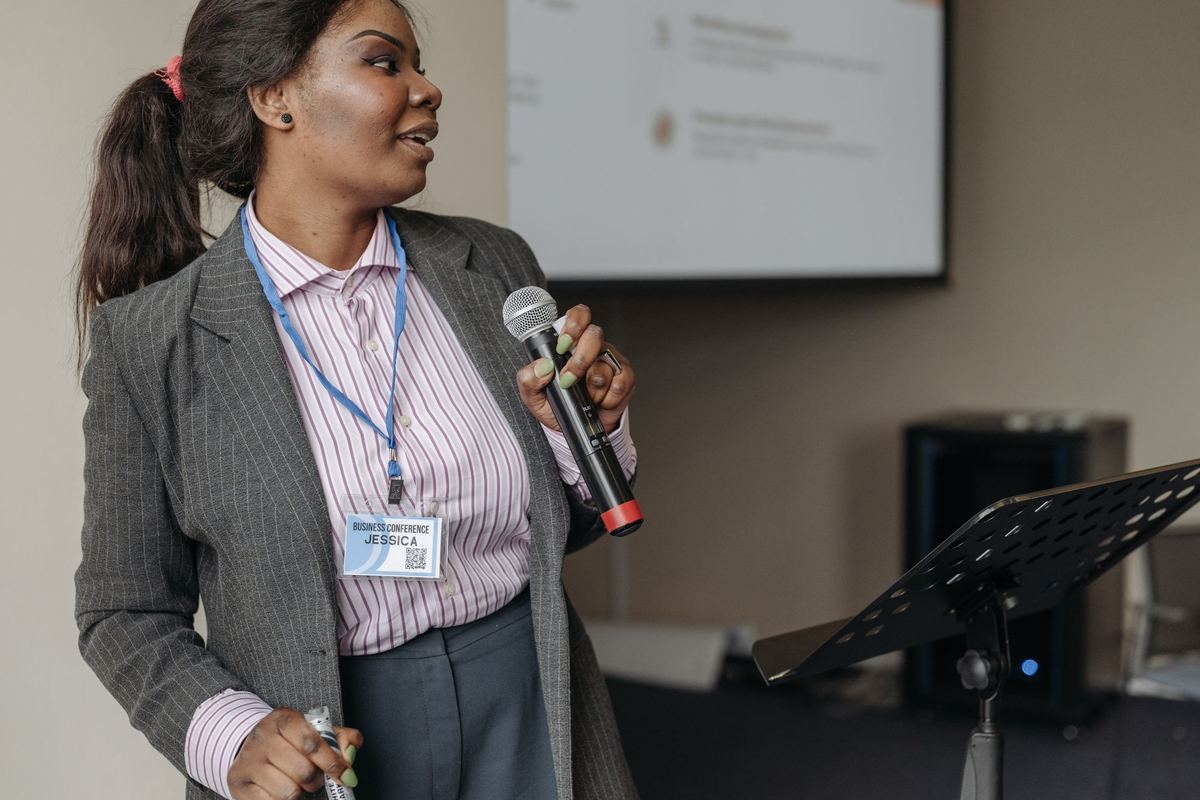
Stage footage is the easiest material to record and the least useful on its own. A highlight video needs the human layer: faces listening, hands taking notes, the laugh after a speaker’s aside, two attendees exchanging contact details. That footage is what makes a viewer feel the event instead of just seeing it.
Audio decides the energy of the edit. Record a clean feed from the stage wherever the venue allows it, and record room tone and applause separately. A montage cut to music alone goes flat fast. Thirty seconds of real stage sound, used well, carries more weight.
Assign one person to watch the clock and the capture list. Conference days drift. Sessions run long, a sponsor interview gets moved, the best networking happens during a break nobody scheduled filming for. A live event cannot be reshot, a fact our founder’s background across 450+ live productions makes hard to forget. That is the discipline a highlight crew brings: the list gets covered while the day is still happening, not reconstructed afterward. We described that background in the creative background behind Red Passage.
After: Build Three Cuts, Not One
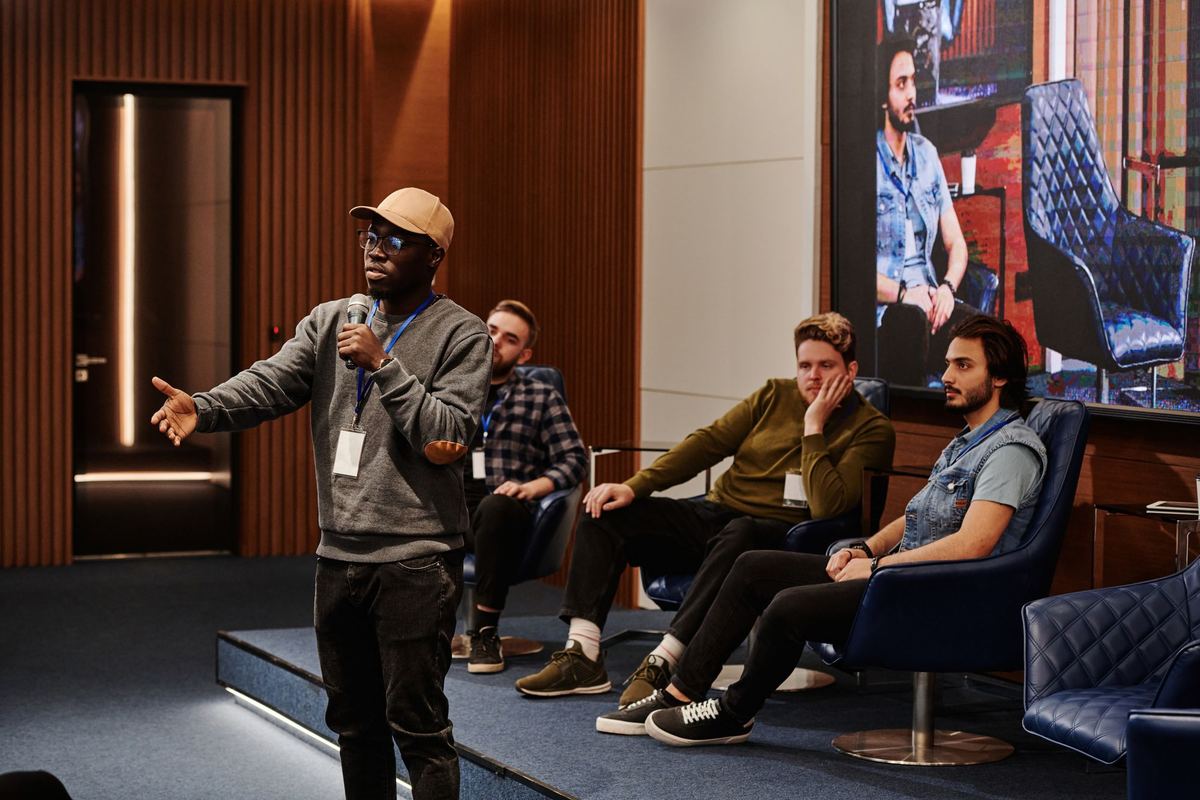
One event should produce at least three finished pieces:
- The recap. Ninety seconds to two minutes. Energy, the best stage line, crowd, faces. This is the public piece for social channels and next year’s event page.
- The sponsor cut. Built around attendance, visibility, and stage presence, sent to the companies deciding whether to return.
- The session record. Full recordings of keynotes or panels your members or staff need on file, separate from the highlight edit.
Venue and location footage often does double duty here. A conference held at a hotel or resort produces material the venue itself values, which is why event work overlaps with hospitality and hotel photography and video. And the strongest clips can support a bigger brand piece later, the kind of work covered on our corporate brand storytelling Video Production page. The same planning shows up in launch work too, as our post on distribution center grand opening marketing sets out: the day is planned around the assets it must produce.
Common Mistakes That Weaken the Final Cut
Booking the crew for the keynote only, and missing the networking where the real value happened. Skipping attendee interviews because the schedule felt tight, then having no human voice in the edit. Filming vertical or horizontal as an afterthought, then cropping the life out of the footage for social channels. Waiting a month to start the edit, so the recap lands after everyone has stopped talking about the event.
Each of these is a planning decision, and each is cheaper to fix before the event than after it.
Start a Conversation
Red Passage is a Georgia based visual communications studio in Newnan. We produce commercial Video Production and corporate and B2B Video Production for organizations across Georgia, including conferences, launches, and multi day events. If your conference is on the calendar, the video plan should be too. Start a Conversation while there is still time to plan the capture properly.